For trade-show organisers
Your floor, captured. Every contact, every supplier, every show day.
Give every exhibitor a lead scanner and every buyer a sourcing assistant, inside the chat apps they already use. You see what happens on your floor while it happens.
1,290
contacts captured
413
buyers sourcing
Sample show
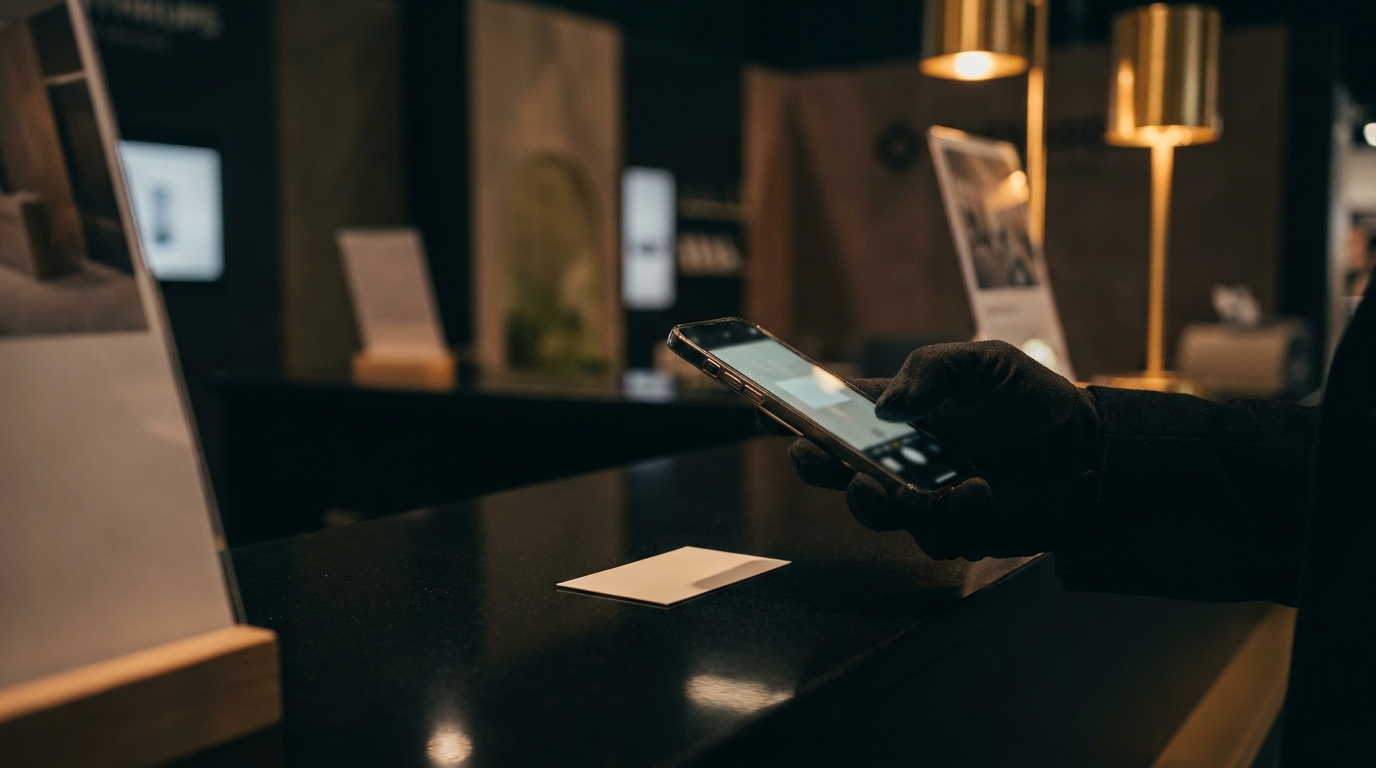 Saved to the exhibitor's sheet
For your exhibitors · BoothBot
A lead scanner on the phone they already carry
A photo of a business card or show badge. Badge QR, DataMatrix, PDF417 and vCard codes are read automatically.
Send us your registration list and badge scans fill in name, company and email from it.
Up to 3 questions you choose for your show, answered with one tap after each contact (hot, warm or cold rating on Telegram).
Every contact lands in a Google Sheet shared with the exhibitor, who can download it at any time, with help drafting follow-ups.
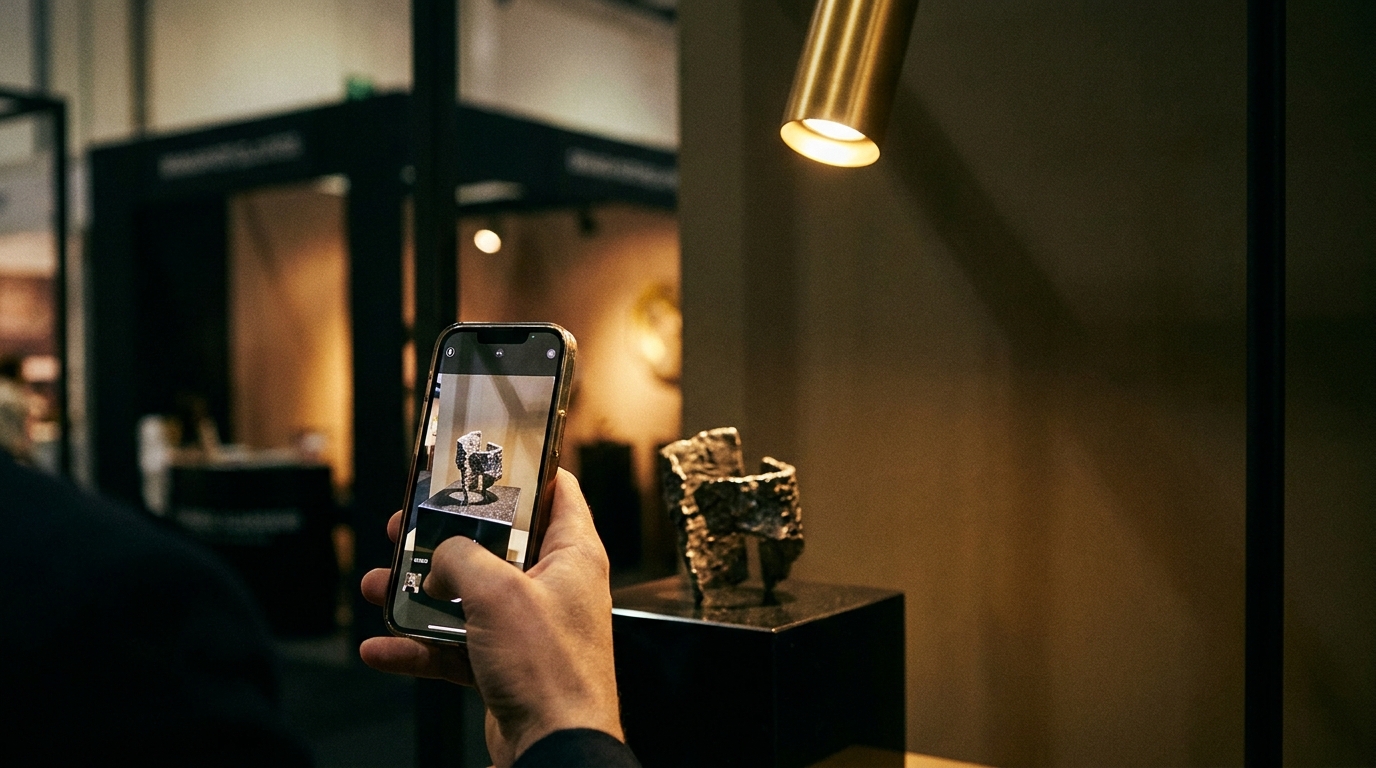 Added to the buyer's shortlist
For your buyers · SourceBot
A sourcing assistant that knows your floor
A photo of a supplier's card or product goes straight to a shortlist they keep.
Type a product, get the exhibitors and their booth numbers, from the list you send us.
The assistants speak 11 languages, including Chinese, Spanish, Arabic and Portuguese.
A short notice explains what you see as organiser; they tap "Got it" and start.
What you see
Your show in numbers, live, and a report the day you close
Who used it, what was captured, where contacts came from, what buyers looked for and which products nobody on your floor offered. The after-show report downloads as a PDF for your team and your exhibitors.
You see show totals. Never a name, a contact or a buyer's shortlist.
Any count of 1 or 2 shows as "fewer than 3".
Once you partner with us, DaGaMa stops its own outreach to your show. People who join through your link never go into our campaigns.
How it works
Four steps, no hardware
- Step 1
We set up your show
Your own links and QR codes for exhibitors and for visitors, with your name on the welcome.
- Step 2
You share them
In registration confirmations, the exhibitor manual, on badges and on signage.
- Step 3
People tap and start
The right assistant opens in their chat app with your show already set. Nothing to install.
- Step 4
You watch and report
Totals update live during the show. The report is ready the day you close.