Scan business cards in WhatsApp
Send a photo of a business card or a badge to DaGaMa on WhatsApp and the contact is read into a Google Sheet: name, company, email, phone, website and country. Add a voice note and it is attached to that lead.
Start freeDaGaMa ·
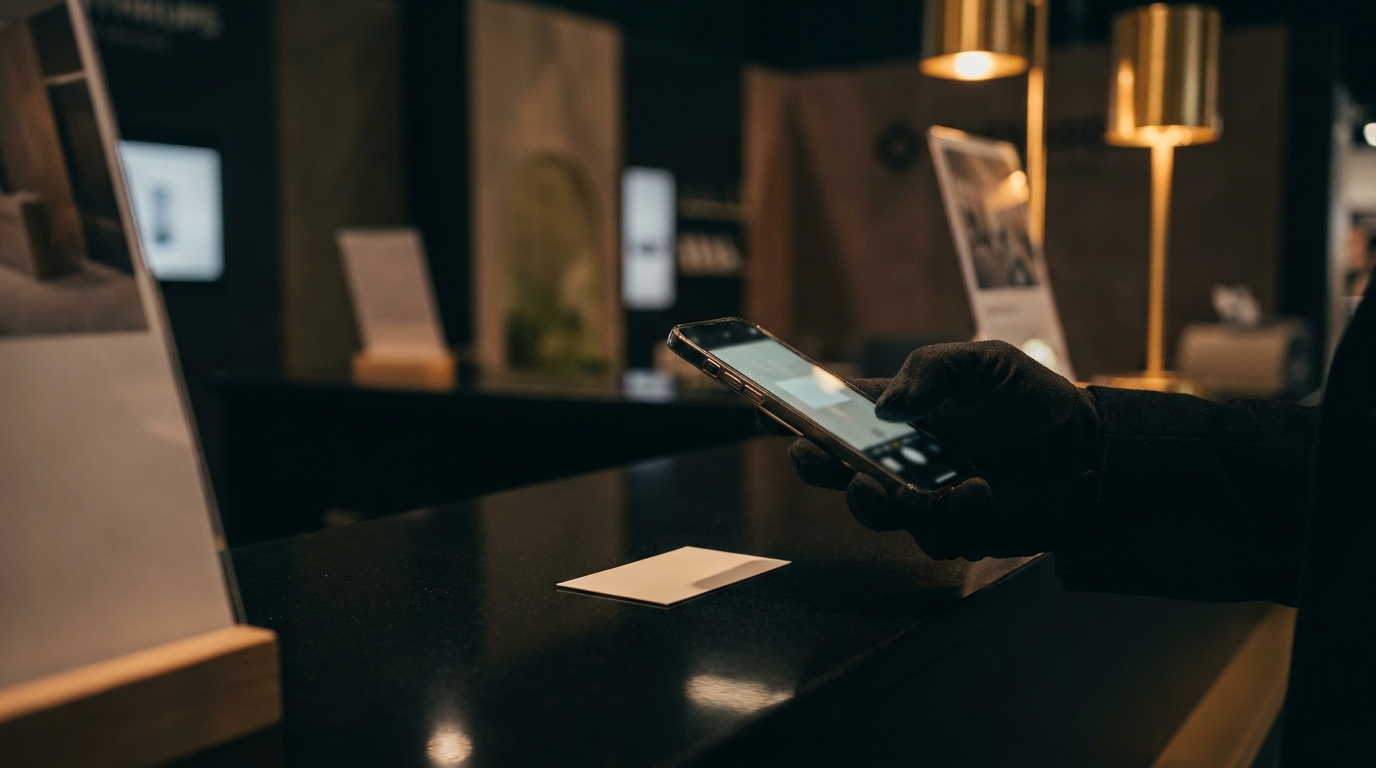
How do you scan a business card in WhatsApp?
- 01
Start the chat
Sign up with your email and open DaGaMa in WhatsApp. One WhatsApp number serves BoothBot for exhibitors and SourceBot for buyers.
- 02
Photograph the card or badge
Send the photo as you would to a colleague. DaGaMa reads the printed text and any QR, DataMatrix, PDF417 or Aztec code on it.
- 03
Add a voice note
Record what you discussed. It is transcribed word for word, in the language you spoke, and attached to the latest lead.
- 04
Open your sheet
Every lead lands in a Google Sheet shared with you, with the card photo. Draft follow-up emails from your dashboard when you are ready.
What does it read from a card?
- Name, title and company
- Email, phone and website
- Address and country (worked out from the address, dial code or domain)
- LinkedIn and WeChat ID when they are printed
- vCard and MECARD QR codes, which override what the text says
Why use WhatsApp instead of a scanner app?
Because it is already on your phone. There is nothing new to install or log into on the show floor, and you can send a photo between conversations without leaving the chat you use all day. You pay for the show, not for a seat per month.
WhatsApp is the capture screen; the Google Sheet is where the leads live.
What works in WhatsApp, and what needs the dashboard?
| Feature | In WhatsApp |
|---|---|
| Business card and badge code scanning | Yes |
| Voice notes attached to the lead | Yes |
| Organiser questions after each lead | Yes, at shows that use them |
| Hot, warm or cold rating | Telegram only |
| Back of the card | Telegram only |
| Follow-up email drafts | From the dashboard |
Questions people ask
Is there a WhatsApp business card scanner?
Yes. DaGaMa reads business cards and badge codes sent as photos in WhatsApp and saves each contact to a Google Sheet, with no separate app to install.
Can it read cards in Chinese or Arabic?
Yes. The script is detected automatically, so Chinese, Arabic or bilingual cards need no settings, and WeChat IDs printed on Chinese cards are picked up too. Try a few of your own cards during the free 24 hours before the show.
Does it work without Wi-Fi?
WhatsApp itself holds your photo until you are back online; reading the card needs a connection. Our Android app keeps its own offline queue.

Try it at your next show
Your first 24 hours are free, no credit card needed. The clock starts at your first capture.
Start free